Track options trades from import to review
An options trade tracker is most useful when it connects the raw fill to the decision around it. Option Tracker gives each trade a place for the setup, risk plan, management changes, and outcome, so your weekly review does not depend on reconstructing the story from separate broker files and notes.
Built for US-listed options workflows
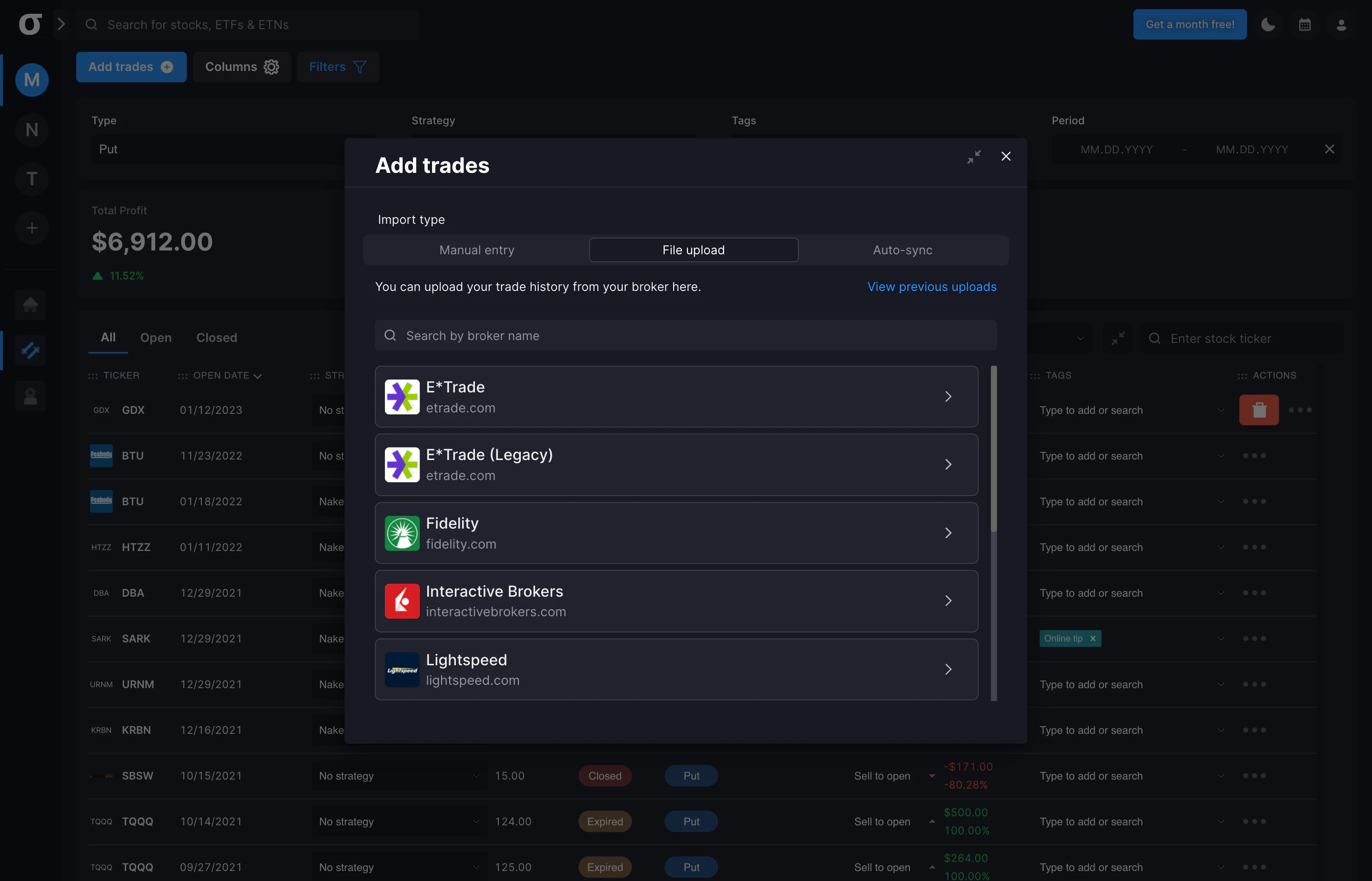
For US-listed options, start with the supported brokerage workflows for Fidelity and Schwab, or use AI Import to map a CSV or spreadsheet export from another broker into trades. That keeps the broker record and the decision context together without changing your review fields.
Import broker data
Bring in Fidelity or Schwab data, or use a supported CSV or spreadsheet export, then keep contract and fill details alongside your review fields.
Capture the why
Record the thesis, strategy, planned risk, tags, adjustments, and exit reason while the decision is still clear.
Review by pattern
Compare trades by strategy, ticker, tag, account, portfolio, and date range to see which process details deserve attention.
An options portfolio tracker with journal context
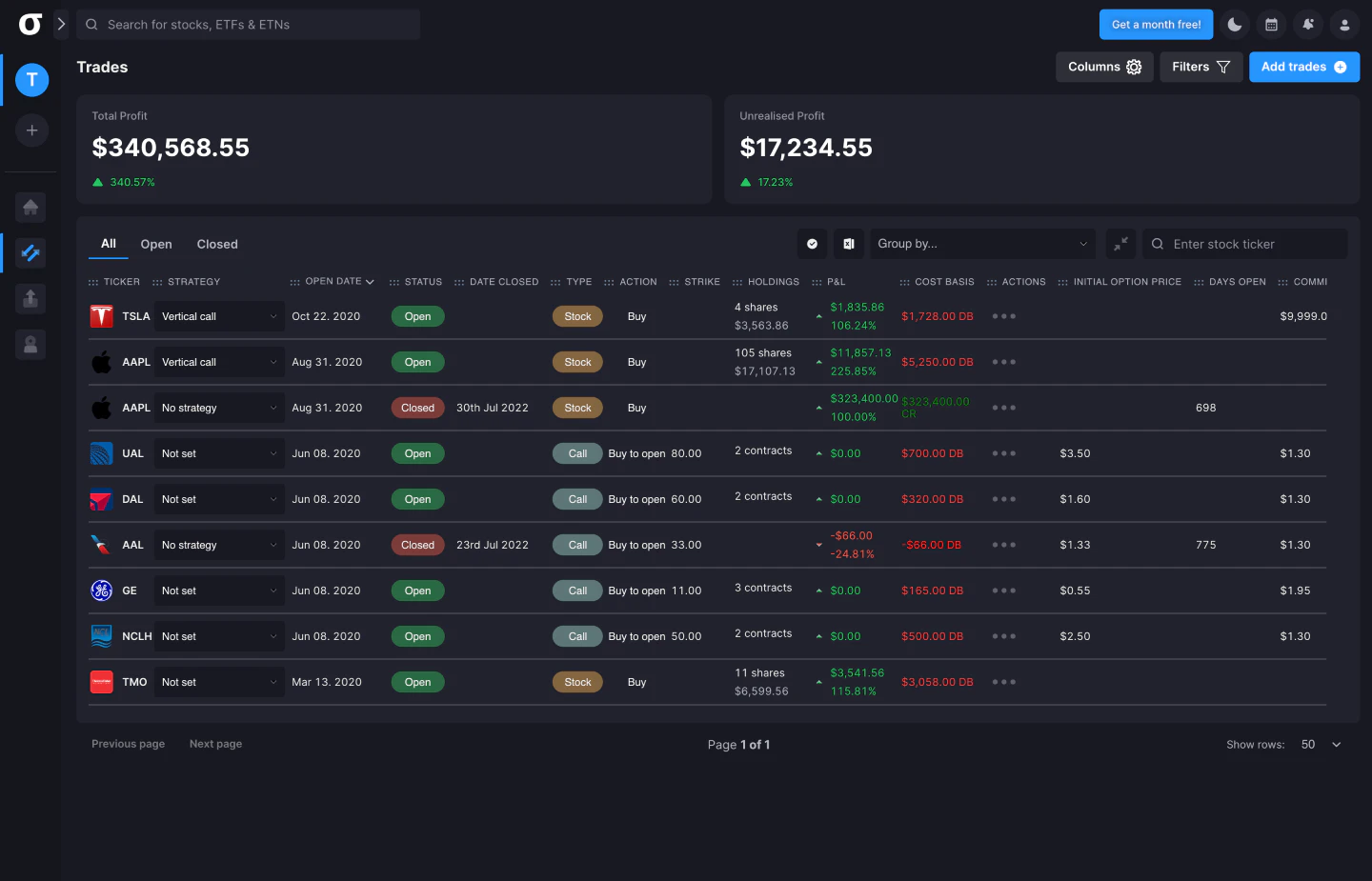
A portfolio view should show more than a list of open positions. Use portfolio and account context to separate different objectives, then connect the position history to the notes and decisions that shaped it. This makes it easier to distinguish a strategy issue from a sizing, execution, or management issue.
- Group options and stock trades by portfolio, account, ticker, or strategy.
- Review P&L, premium, DTE, greeks, and risk alongside trade notes.
- Keep rolls, partial exits, and other meaningful adjustments visible in the record.
Base price and public review
Base monthly price
Start with the base plan at $49.99 USD per month. See the current product pricing and plan details on the homepage.
Public Reddit review
“I use optiontracker.io absolutely awesome tracker.”
ChunkyLittleSquirrel on Reddit · August 26, 2021
See the options trade tracker in the workflow
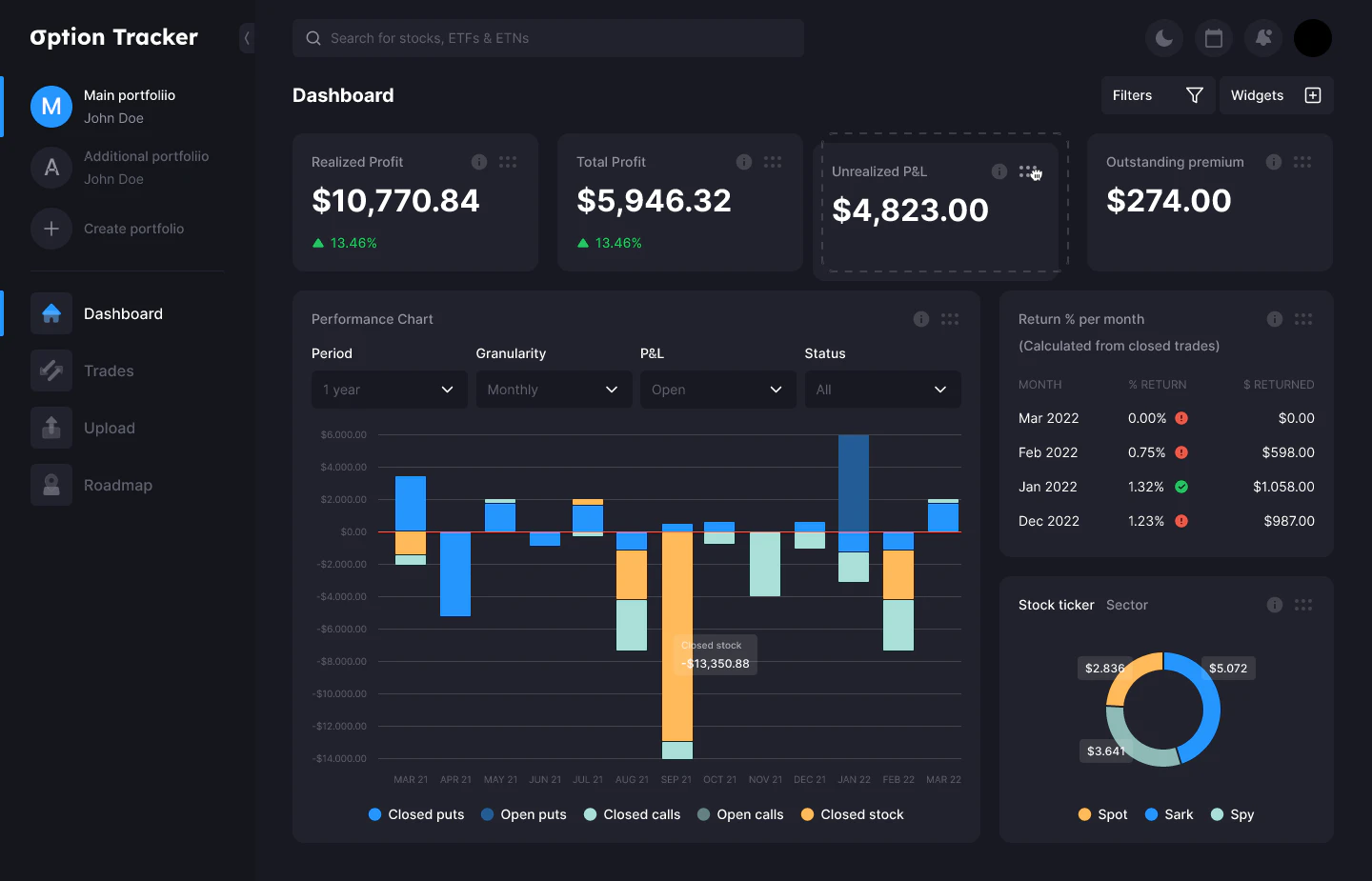
These product screenshots show the core path from importing trades to reviewing a portfolio and its performance. The goal is a usable record of your process, not a dashboard full of numbers you never revisit.
Use a trading journal for options that stays practical
A trading journal for options should help you make the next review more specific, not turn every trade into an administration project. Start with the fields that change your decisions: why the setup qualified, what risk you accepted, what changed, and whether the exit matched the plan. Add detail when it earns its place in the next comparison.
For the thinking behind those fields, read the options trading journal guide. The guide explains the informational workflow; this options trade tracker is the product workflow for putting that record into use.
Start with an options trade tracker
If you want a single place to import, annotate, and review options activity, start with the workflow that fits your current process. You can add structure over time as your trade history makes the useful comparisons clearer.
Make every review easier to revisit
Bring your fills and decision context together in Option Tracker and build a more consistent options review habit.